11/03/2026 Eastern Time · 4 min read
How to Download Instagram Carousel Posts and Photos
A carousel is one Instagram post with several photos or videos. You swipe them in the app. A downloader should list them as separate files, because a single image cannot hold the whole set.
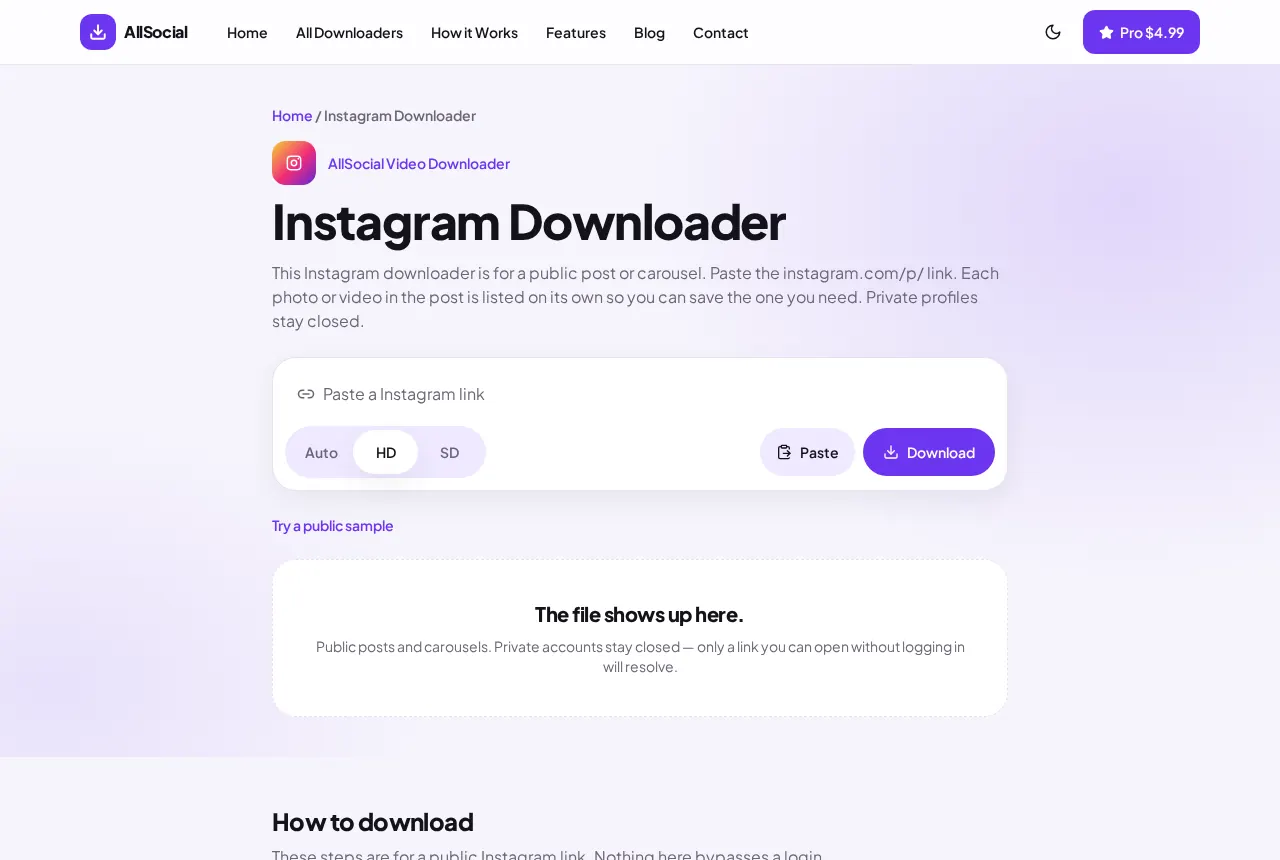
Paste the post link, not a screenshot of one slide. Each public slide comes back on its own.
Quick answer. Copy the /p/ link, paste it into the Instagram Downloader, and save the slides you need. Photos save as images. Videos in the set save as MP4.
What an Instagram carousel is
The post URL stays the same while you swipe. The slides are separate media behind that one link. Private posts still do not open.
A Reel is not a carousel. If the URL contains /reel/, use the Reels downloader.
How to copy a carousel post link
The post link is what returns the full set.
- Open the post and tap the three dots or Share.
- Tap Copy link. The address contains /p/ and a short code.
- Do not copy a single slide’s image address from a desktop inspect panel unless you only want that one file.
How to save multiple photos
Paste the link and wait for one card per slide. Save the ones you want. There is no zip of the whole post.
On iPhone, save each image, then use Save Image from Files if you want them in Photos. On Android, Chrome may ask permission to download more than one file. Allow it for that save.
How to save carousel videos
A slide that is a video is listed as video. Save that card the same way you save a photo slide. Mixed carousels are normal.
Quality follows the file Instagram published for that slide. Slides in one post can differ.
Downloading on iPhone
Use Safari. After each save, check Files, Downloads. Repeat for the next slide. iOS will not batch them into Photos unless you share each one.
Downloading on Android
Chrome lists each finished file in the notification shade. Open Downloads to see the whole set. If only the first image arrived, you still need to tap Save on the other cards.
Keeping the slides in order
The cards follow the post from first swipe to last. Save them in that order if you are rebuilding the set in a folder. Rename them 01, 02, 03 as you go if your downloads folder sorts by name instead of time.
A mixed carousel can put a video between two photos. Do not skip the video card because it looks different. It is the middle of the post.
Instagram sometimes shows a cover crop that is tighter than the file. The saved image is the post file, which may include more of the frame than the grid thumbnail. That is what you want for printing or an edit.
If one slide fails and the others succeed, that slide may have been removed or set differently. Save the ones that preview. There is no way to reconstruct a slide the public post does not return.
Common problems
Only one image: the link was a single photo, or the rest of the carousel is not public.
Wrong order: save from the cards in the order shown. That order follows the post.
Login wall: the account is private. Stop there.
Frequently asked questions
Can I download every photo in one tap?
Each slide is its own file. Save the cards you want. We do not bundle them into a zip.
Does this get the original upload?
You get the file the public post exposes, which may already be compressed by Instagram.
What about a carousel of Reels?
Use the link type. A /reel/ URL goes to the Reels downloader.
Related downloaders
Related guides
Copyright and privacy
AllSocial Video Downloader is not affiliated with Instagram, TikTok, Facebook, X, or Pinterest. Download only files you own or have permission to save. A public link is fetched for you and is not stored as a library. Copyright notices can be sent to vipusa8400@gmail.com.