10/06/2026 Eastern Time · 4 min read
How to Download Instagram Videos on iPhone
iPhone can save a public Instagram video without a third-party app. The missing piece is usually Safari: the Instagram app will copy a link, but it will not hand you the MP4.
These steps cover a normal video post and a Reel. Stories have a shorter life and are covered in the stories guide.
Quick answer. Copy the link in Instagram, paste it into Safari on the matching downloader, save the file, then use Share and Save Video to put it in Photos.
What you need on your iPhone
You need iOS with Safari, enough free storage for the video, and a public link. You do not need an App Store downloader.
Allow Safari to download files. On recent iOS versions the file lands in the Files app, in the Downloads folder of iCloud Drive or On My iPhone.
How to copy an Instagram video link
A Reel URL contains /reel/. A feed video often contains /p/ or /reel/. Match the page to the link.
- Open the video or Reel.
- Tap the paper airplane, then Copy link.
- If the sheet offers Share to and not Copy link, scroll the icons sideways until Copy link appears.
How to download videos using Safari
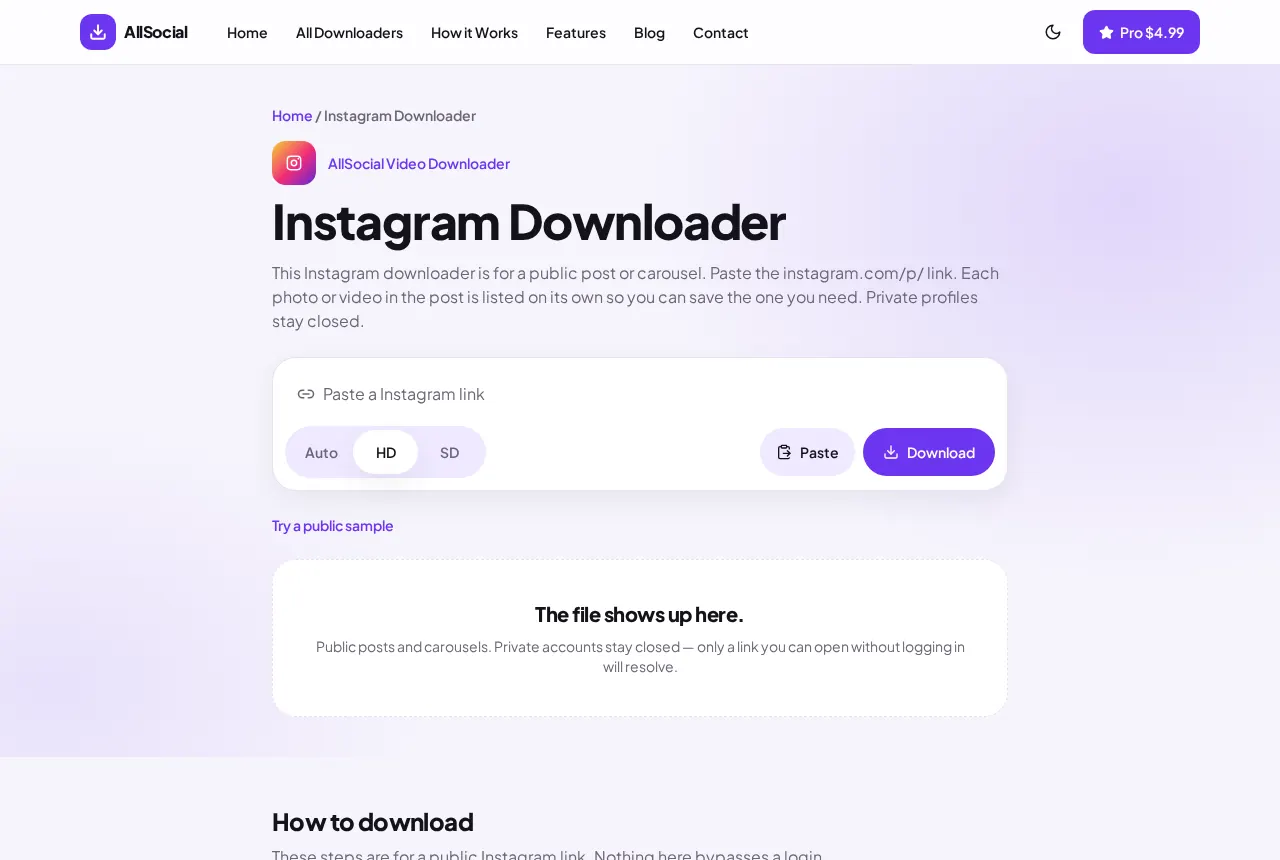
Leave Instagram. Open Safari and go to the Instagram Downloader for a post, or the Reels Downloader for a Reel. Paste and tap Download.
Stay on the page until the preview appears. Then tap Save. If iOS plays the video instead of storing it, tap Share in the player and look for Save Video.
How to find downloaded videos
Open Files, tap Browse, then Downloads. Sort by Date added if the folder is crowded.
The name comes from the file Instagram served. It will not always match the caption.
Saving videos to Photos
In Files, tap the video, tap Share, and tap Save Video. It then appears in Photos, in Recents.
Save Image is the equivalent for a photo post or a carousel slide. A video will not offer Save Image.
After the file is in Photos
Open Photos and check Recents, not Albums, first. A video you just saved sits at the start of Recents. If it is missing, it is still only in Files. Repeat Share and Save Video from that file.
iCloud Photos will upload it on your normal connection. That upload is Apple’s, not ours. If iCloud is off, the video stays on the phone, which is fine.
AirDrop is the simplest way to move the same file to a Mac. Share from Files, choose the Mac, and you avoid emailing a huge MP4 to yourself.
Low Power Mode and a full storage bar are the two iPhone failures that look like a broken downloader. Free a few hundred megabytes and try the Save button again before you recopy the link.
Common iPhone download problems
Nothing saved: you used the in-app browser. Repeat the paste in Safari.
The file is a tiny web page: the link was private or wrong. Photos will not accept it.
Low storage: iOS fails quietly. Free a little space and try the Save button again.
HD and SD look identical: Instagram only published one size.
If Save Video never appears, stay in Files and play the file with the iOS player. Then tap the share icon in that player. The share sheet from the Files list and the share sheet from the player are not always the same, and the player one is the one that offers Save Video for an MP4.
Reels and feed videos use different pages on this site. A Reel pasted into the post downloader is redirected, which is correct. Stay with that suggestion instead of pasting the same link again.
You do not need to change iPhone region or language. The downloader is in US English, and Safari’s download behavior is the same in the United States whether the Instagram app is set to another language.
Frequently asked questions
Can I save a Reel to the camera roll this way?
Yes, if the Reel is public. Use the Reels page, then Save Video from Files.
Does this work on iPad?
Yes. Use Safari and the same Files steps.
Where is the camera roll on iOS 18?
It is the Photos app. Saved videos show in Recents after you use Save Video.
Related downloaders
Related guides
Copyright and privacy
AllSocial Video Downloader is not affiliated with Instagram, TikTok, Facebook, X, or Pinterest. Download only files you own or have permission to save. A public link is fetched for you and is not stored as a library. Copyright notices can be sent to vipusa8400@gmail.com.