09/22/2026 Eastern Time · 4 min read
How to Save Instagram Stories Online
Stories are temporary on purpose. A public story can still be saved while it is live, if you have the right to keep it. After it expires, the link is just a dead address.
This page is for a story that is up right now. It is not a way to recover yesterday’s story or to open a private account.
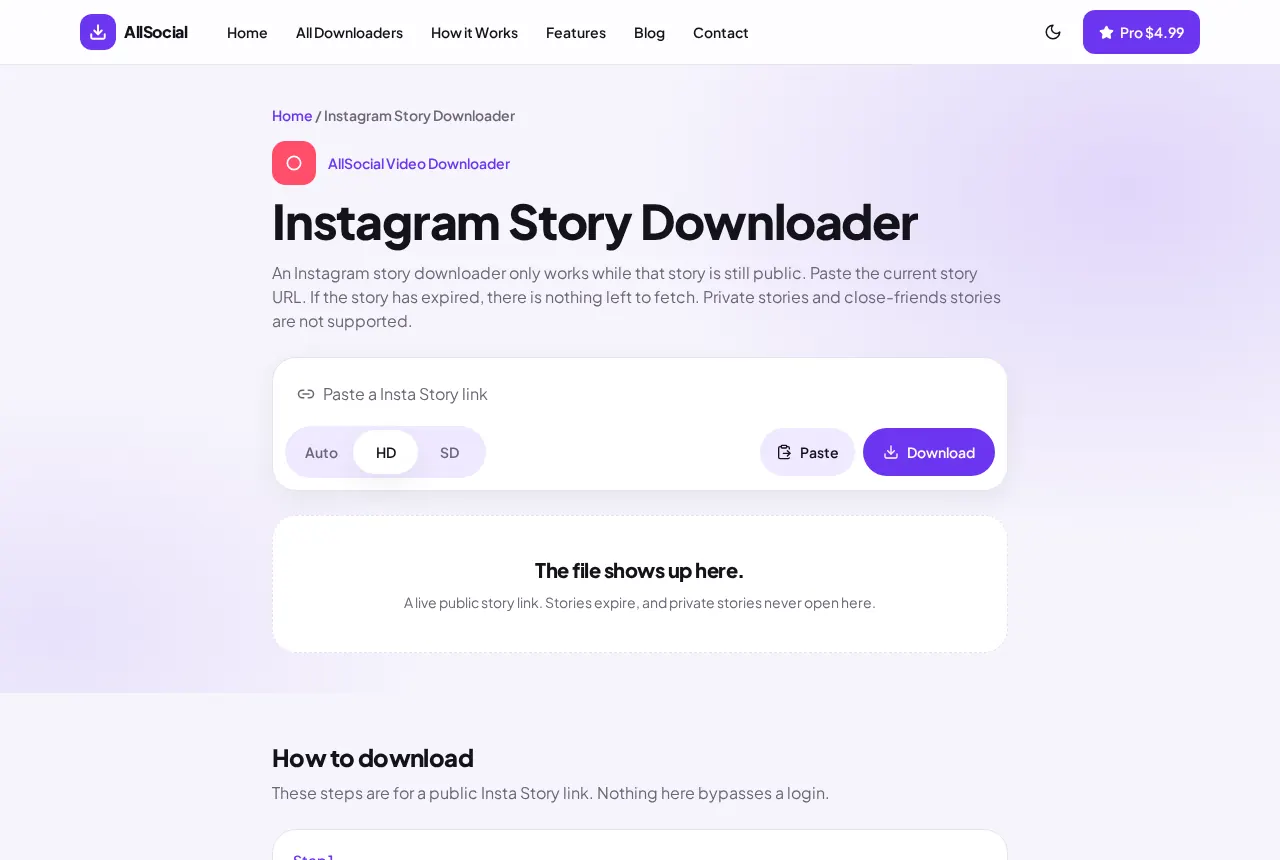
Quick answer. Copy a live public story link, paste it into the Instagram Story Downloader, and save the photo or video before the story expires.
Can you save Instagram Stories?
You can save your own story from Instagram’s archive inside the app. For a public story you are allowed to keep, a live link can be fetched in the browser while Instagram is still serving it.
Close-friends stories and private accounts stay closed. We do not ask for a password.
How to save your own Instagram Stories
Open your profile, then the story archive, and use Instagram’s own save option when it is there. That is the most reliable copy of something you posted.
If you still have the public story link and the story has not expired, you can also paste it here. Photo stories save as images. Video stories save as video when the page exposes a file.
How to download authorized public Stories
Open the story and copy its link before the 24-hour window ends. The path includes /stories/ or a short /s/ link.
Paste it into the Instagram Story Downloader immediately. An old link from a story you saw yesterday will fail, even if the URL looks complete.
Saving Stories on iPhone
Copy the link, switch to Safari, paste, and tap Download. Then move the file from Files into Photos with the share sheet if you want it on the camera roll.
Do this while the story is still up. Leaving the tab open does not freeze the story on Instagram’s side.
Saving Stories on Android
Copy the story link, open Chrome, and download from the Story page. The image or MP4 lands in Downloads.
If the preview is only a still of a video story, that is the file Instagram returned. We do not reconstruct the motion.
How long you actually have
A story is usually available for 24 hours from the time it was posted, not from the time you saw it. If you open a link near the end of that window, paste and save in the same sitting. Leaving the tab open does not freeze the file on Instagram.
Highlights can outlive a story, but a highlight page is not the same address as one frame. Open the frame, then copy that link. A profile URL returns nothing useful.
Your own archive inside Instagram is the copy to trust for something you posted. This page is only a fallback while a public link is still live. It will not have the story tomorrow.
A screenshot someone texted you is already a picture. The downloader needs an address that starts with instagram.com or a short /s/ path.
Common problems
Expired story: nothing to fetch. Instagram deletes the media.
Highlights are not the same as a live story URL. Paste the specific story link, not the profile page.
A Reel link will be recognized as a Reel. Use the Reels downloader for those.
Privacy and permission
A story someone posted for a day is not a file they handed you. Save your own stories, or stories you have permission to keep.
We do not store the file after your download, and we do not keep a library of expired stories.
Frequently asked questions
Can I download a Story after it disappears?
No. Once Instagram removes it, the link cannot bring it back.
Do I need the person’s password?
No. Never give a downloader an Instagram password.
Why is the preview a photo of a video Story?
Some story pages only expose a still. That is the file we can save.
Related downloaders
Related guides
Copyright and privacy
AllSocial Video Downloader is not affiliated with Instagram, TikTok, Facebook, X, or Pinterest. Download only files you own or have permission to save. A public link is fetched for you and is not stored as a library. Copyright notices can be sent to vipusa8400@gmail.com.