11/10/2026 Eastern Time · 4 min read · Written by AllSocial Video Downloader
Why Can't I Save TikTok Videos?
TikTok's save icon is not a file download. Creators can turn that button off, and even when it works it keeps you inside the app.
A browser save needs a public video link. If TikTok will not serve the file, this site will not invent one.
Quick answer. Copy the video link from Share, including short vm.tiktok.com links. Private videos fail. A photo post returns pictures, not an MP4. Check for a separate Audio file if the clip is silent.
The in-app button is a different feature
Save video inside TikTok depends on the creator's setting. If it is missing, that is TikTok's rule, not a broken downloader.
That in-app save is also not the same file you get from a public link. Use Share, then Copy link, when you want an MP4 in your downloads folder.
What this downloader accepts
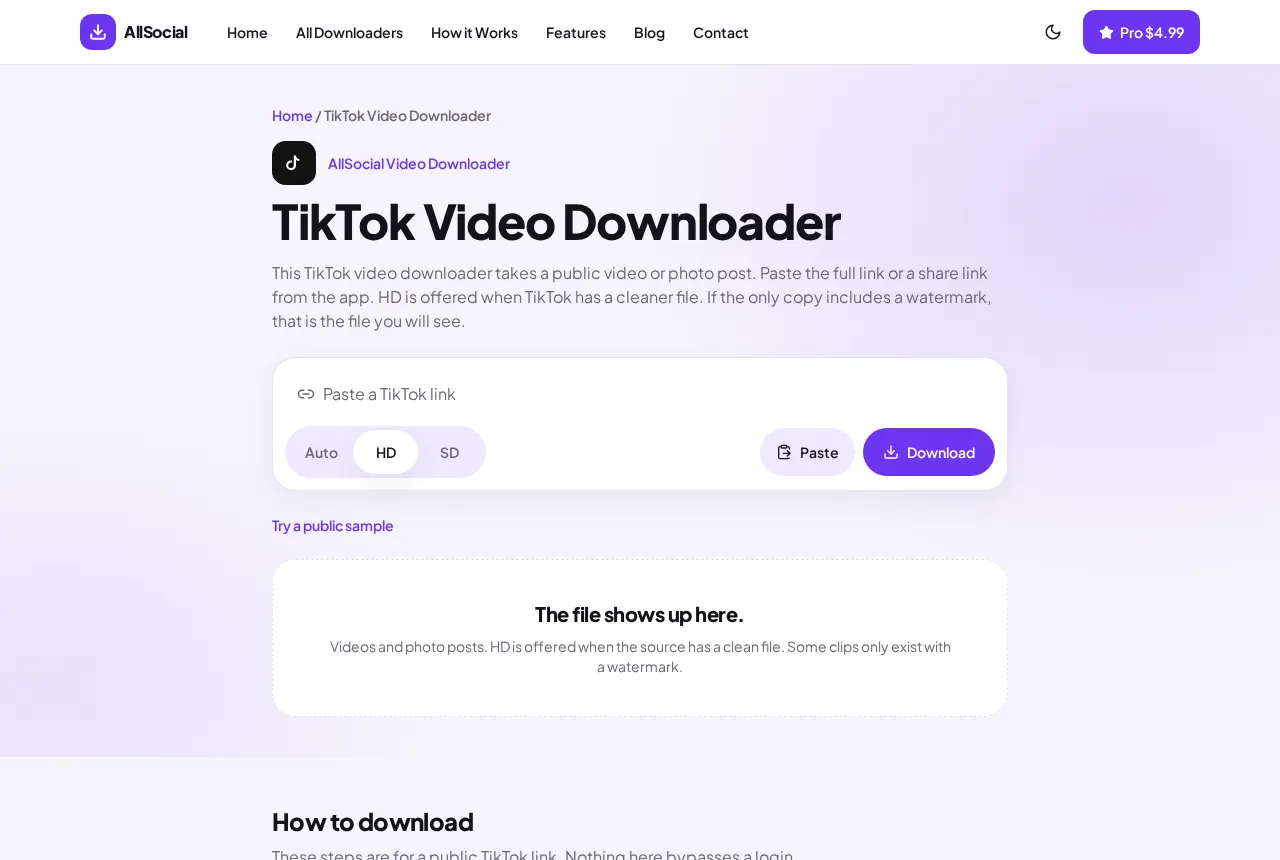
Paste the full video URL or the short link from the share sheet. HD is the higher file when TikTok lists one. Standard is the other rendition. We do not upscale.
If the message says to try the full video URL, the short link did not resolve. Open the video and copy the link again from Share.
The cases that will not save
Friends-only and private videos fail. There is no login on this page.
A TikTok made of photos comes back as images. There is no video track to save. That is the post, not a failed download.
Some clips list an Audio item next to the video. That MP3 is the sound TikTok attached. Save it if you need the track on its own. We do not mix it into the video after the fact.
A deleted video stays deleted. We do not keep a library of old TikToks.
What to try before you blame the downloader
Open the TikTok in the app or in a browser where you are not logged in. If the video asks you to log in, or the account is private, this site cannot see the file either. Copy the link from Share, not from a screenshot of the username.
A watermark stays when the only file TikTok offers includes one. This tool does not strip it and does not invent a cleaner copy. If the page says the link is not supported, the address is not a TikTok video URL.
On iPhone, the file lands in Files unless you choose Save Video when the share sheet appears. On Android it lands in Downloads. A second tap on Download after a blank result rarely helps. Paste the link again and read the error.
Frequently asked questions
Why is Save video missing in the TikTok app?
The creator disabled it. Copy the public link and use the browser tool instead, if the video is public.
Do short vm.tiktok.com links work?
Usually. If they do not resolve, copy the link again from the open video.
Why did I get photos instead of a video?
The post is a photo carousel. TikTok did not publish a video file for it.
Related downloaders
Related guides
Copyright and privacy
AllSocial Video Downloader is not affiliated with Instagram, TikTok, Facebook, X, or Pinterest. Download only files you own or have permission to save. A public link is fetched for you and is not stored as a library. Copyright notices can be sent to vipusa8400@gmail.com.