11/10/2026 Eastern Time · 4 min read · Written by AllSocial Video Downloader
Why Does a Video Have No Sound?
A silent save is usually the player, the mute switch, or a file that never contained an audio track. It is rarely the download button removing sound.
This site saves the media the platform returned. If that MP4 includes audio, the file includes audio. We do not run it through an editor.
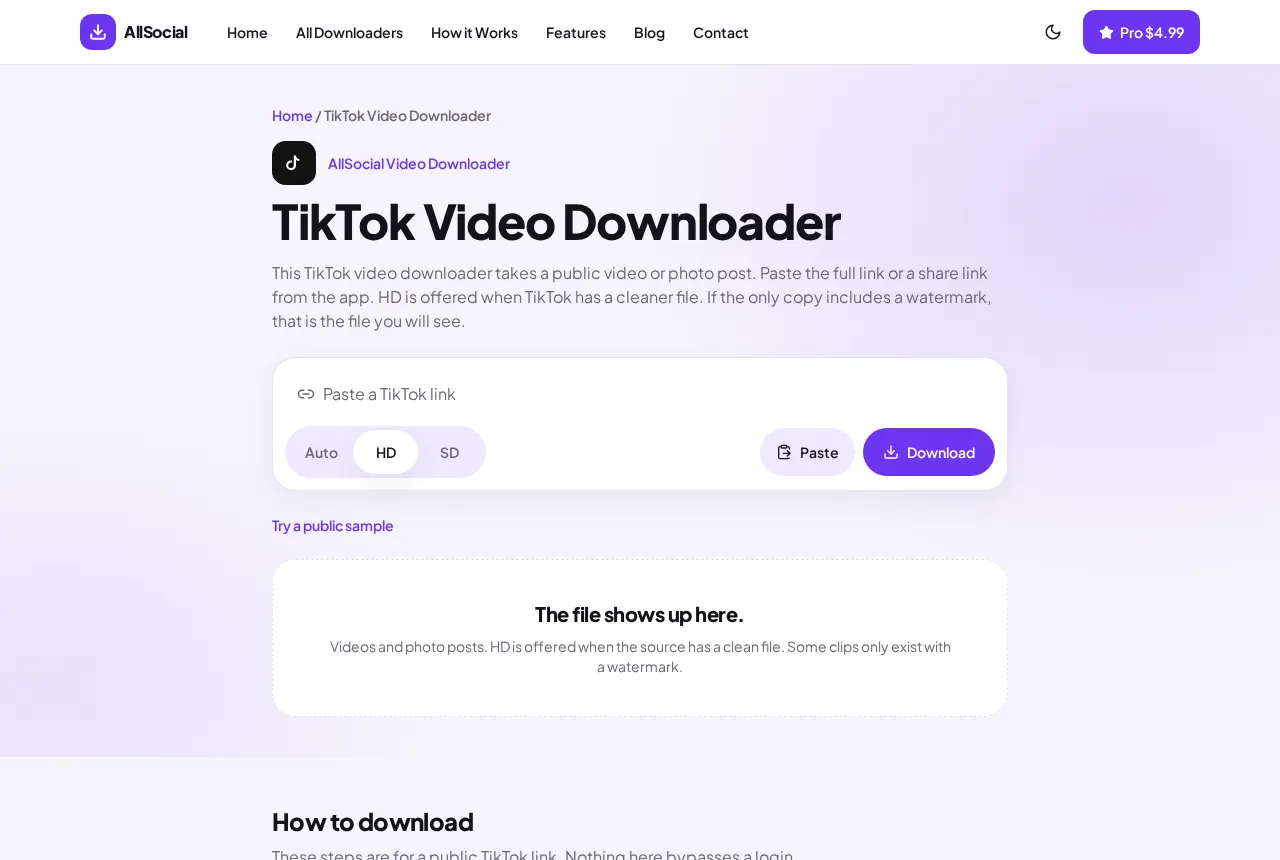
Quick answer. Turn the volume up and disconnect Bluetooth. Play the preview on the page. On a TikTok, look for a separate Audio item and save that MP3 too. We do not merge it into the video.
Check the phone before you blame the file
The side switch on an iPhone silences some playback and notifications. Videos in Photos usually still play audio, but a browser preview may not. Raise the volume buttons and disconnect any Bluetooth speaker you forgot about.
Play the same file in another app. If Files is silent and Photos is not, you are hearing a player setting. If every app is silent, the file has no audio track.
What the downloader actually returns
Play the preview on the result page with the volume up. If that preview is silent, the file you are about to save is silent too. Saving it again will not add music.
TikTok sometimes lists an Audio row under the video. That is an MP3 of the sound attached to the post. Save it if you need the track. This page does not mix that MP3 back into the MP4.
A photo carousel has no soundtrack because it is not a video. Instagram image posts behave the same way.
The original was already quiet
Creators upload muted clips, or the music license stops the sound outside the app. When TikTok or Instagram serves a silent file, that is the file you get.
We do not keep a second, louder copy. If the in-app video has sound and the public file does not, the platform did not include the audio in the file it serves.
Silent file, muted phone, or a real missing track
Check the phone first. Silent mode and a low media volume are the usual cause. Play the same file in another app. If it is silent there too, the track itself has no audio.
Some platform files are published without a separate audio track, especially muted edits and a few GIF-like clips. The downloader does not add music. If the preview on this site is silent, the saved file will be silent.
A file that plays picture but errors on audio in one app may still play in VLC or in the browser. Try one other player before you download it again.
Frequently asked questions
Do you remove audio?
No. The saved file matches what the platform returned.
Why is there a separate Audio download on TikTok?
TikTok sometimes exposes the sound as its own MP3. It is listed next to the video. Save it if you want that track.
The preview has sound but my phone file does not.
Save the video item, not a thumbnail. Then play that file with the volume up and Bluetooth off.
Related downloaders
Related guides
Copyright and privacy
AllSocial Video Downloader is not affiliated with Instagram, TikTok, Facebook, X, or Pinterest. Download only files you own or have permission to save. A public link is fetched for you and is not stored as a library. Copyright notices can be sent to vipusa8400@gmail.com.