11/10/2026 Eastern Time · 4 min read · Written by AllSocial Video Downloader
Why Is My Instagram Download Not Working?
When an Instagram download fails, the page is usually telling you the truth about the link. It is not a random glitch you can fix by tapping Download again.
This site only fetches a public file Instagram is willing to serve. It does not log in, and it does not keep an old copy after the post is gone.
Quick answer. Use the Share link, match the page to the URL (/reel/, /p/, or /stories/), and stop if Instagram shows a login wall. Private, close-friends, and deleted posts cannot be saved here.
The link is the wrong kind
A Reel lives at /reel/ or /reels/. A feed post or carousel lives at /p/. A story lives at /stories/. Pasting a Reel into the story tool, or a story into the Reel tool, is the most common miss.
Copy from Share, then Copy link. A screenshot, a username, or the caption text is not a URL. If the address came from a different website, open Instagram and copy it again.
What a working attempt looks like
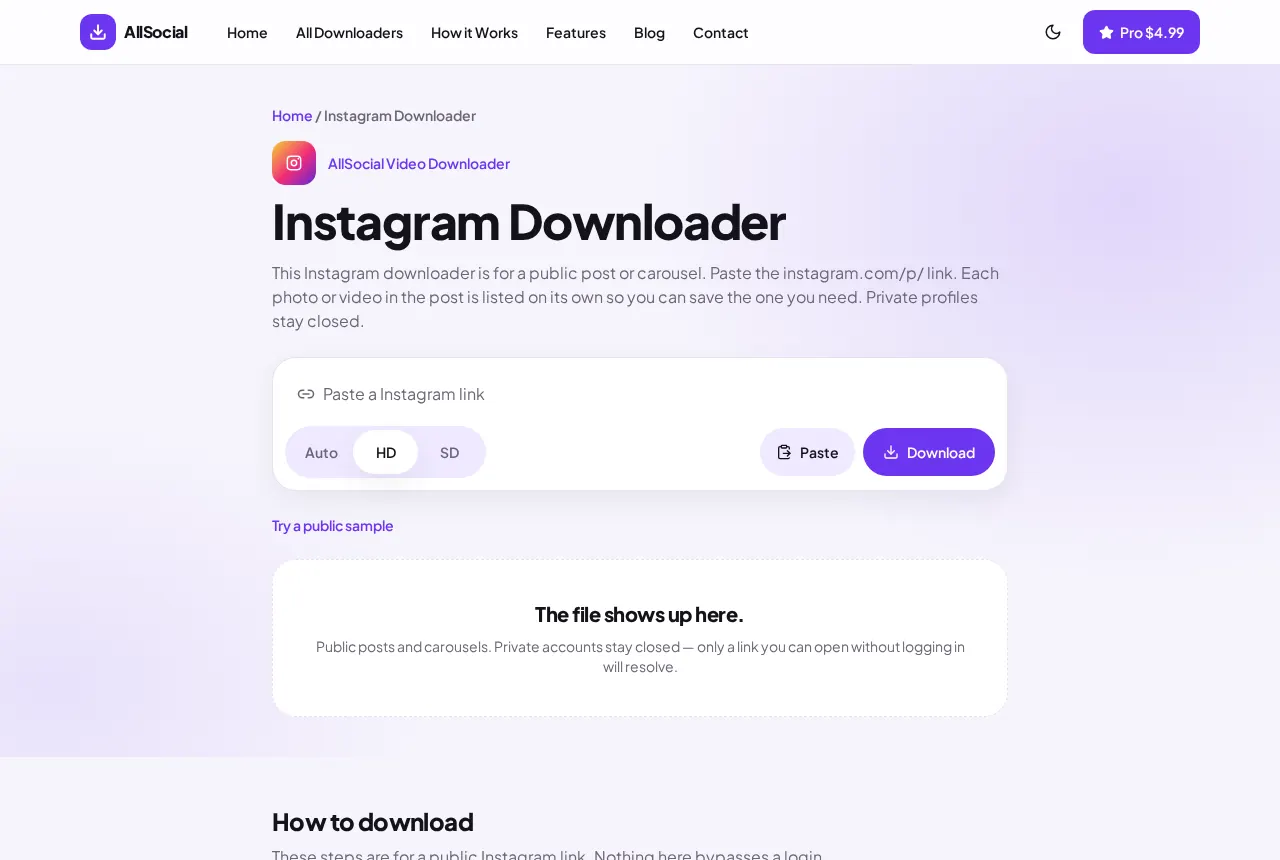
Paste the clean link and press Download. A working public post returns a preview and one or more files. HD means Instagram listed a higher file. It does not mean we sharpened the picture.
If the message names another downloader, follow it. That redirect is the fix, not an error.
Privacy, login walls, and deleted posts
A private account, a close-friends story, or any post that asks you to log in before it plays will fail here too. There is no password field on purpose.
Stories disappear. Deleted posts disappear. We do not store the file after the request, so a link that worked last week can fail today.
A photo post has no video to save. The preview will be a picture. A carousel saves the slides Instagram returns, not a video of you swiping.
The file saved, but the phone hid it
On iPhone, Safari often puts the MP4 in the Files app under Downloads, not in Photos. Open the file and use Share, then Save Video, if you want it in the camera roll.
On Android, Chrome puts it in the Downloads folder. Gallery does not always scan that folder. Open Files and look in Download before you assume the save failed.
Frequently asked questions
Why does it ask me to open a different page?
The link is a Reel, a story, or a normal post. Each one is parsed on its own page.
Can I download a private account if I follow it?
No. This tool does not use your Instagram login.
The preview is a still image. Where is the video?
Instagram did not return a video for that URL. Check that you copied a /reel/ link.
Related downloaders
Related guides
Copyright and privacy
AllSocial Video Downloader is not affiliated with Instagram, TikTok, Facebook, X, or Pinterest. Download only files you own or have permission to save. A public link is fetched for you and is not stored as a library. Copyright notices can be sent to vipusa8400@gmail.com.